
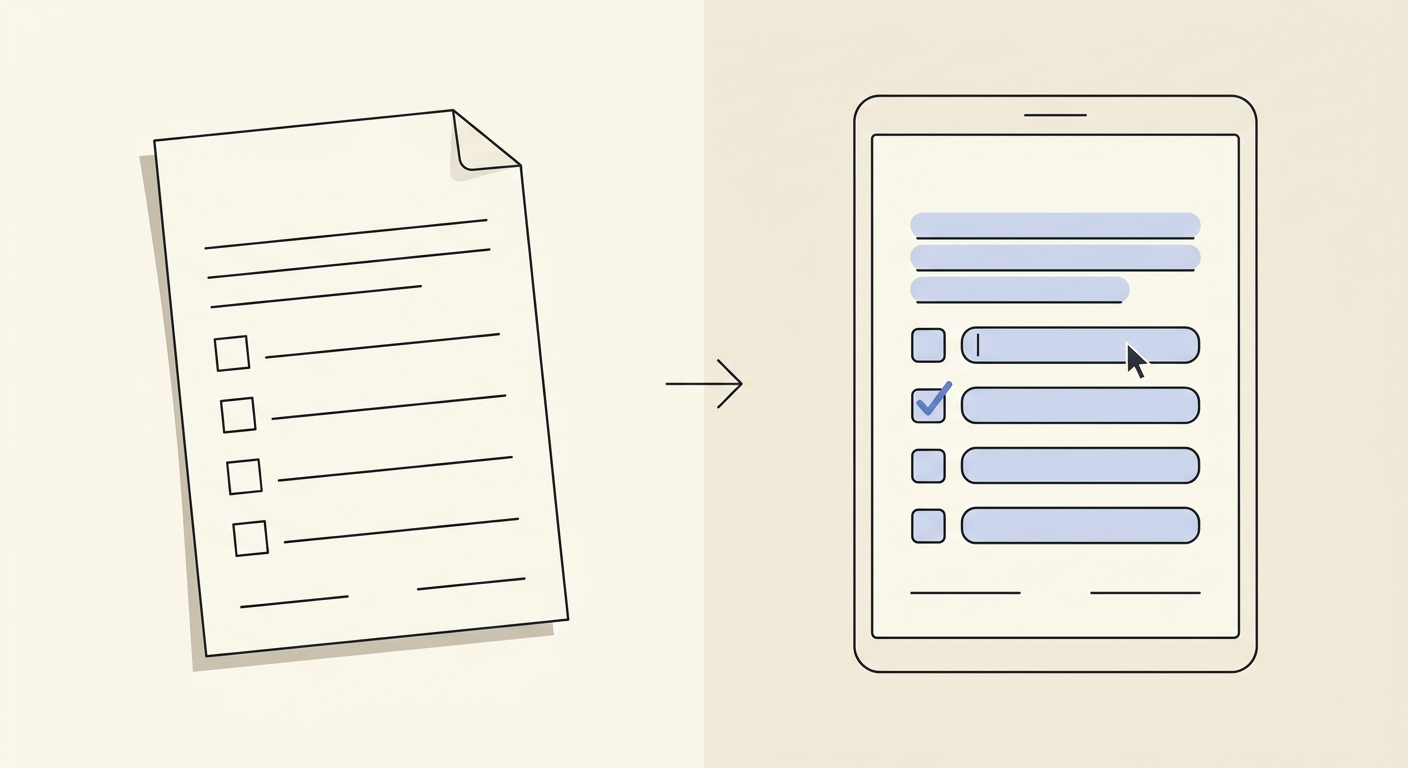
For a parent with a school form
A permission slip or enrollment form comes home in a backpack. Photograph it, and hand back a form your phone can actually type into.
For one paper form at a time
For anyone holding one paper form: a school slip, a landlord application, a benefits form, a clinic intake sheet.
Student name
Grade
Emergency contact
Child's full name
Sample shown with placeholder answers on a real permission-slip layout. Every outlined box is a field Fill Out Saver found on the page.
A permission slip or enrollment form comes home in a backpack. Photograph it, and hand back a form your phone can actually type into.
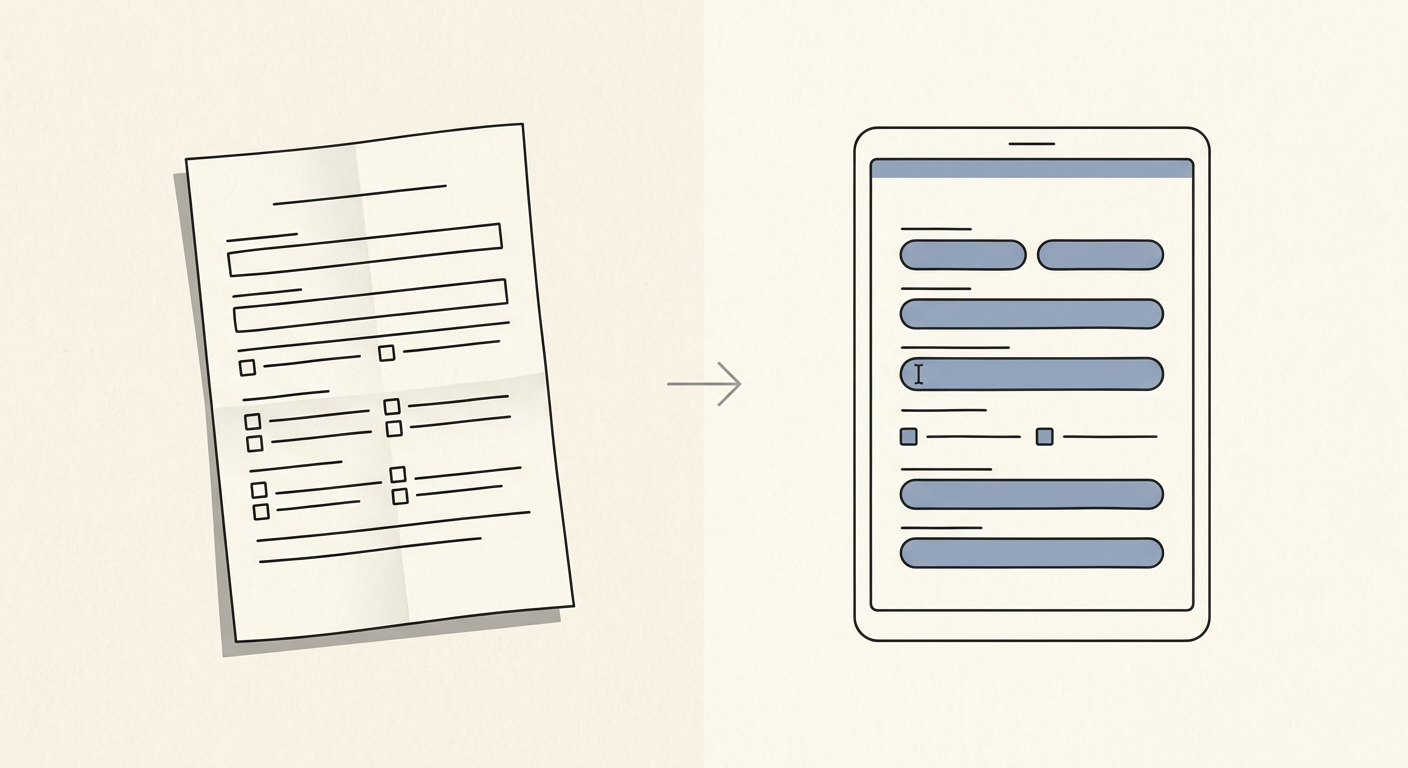
A rental application arrives as a scanned attachment. Turn it into a form you can fill from your phone before the listing is gone.
School, landlord, clinic, benefits office — a paper form arrives in your life whenever it arrives. There is no schedule for it.
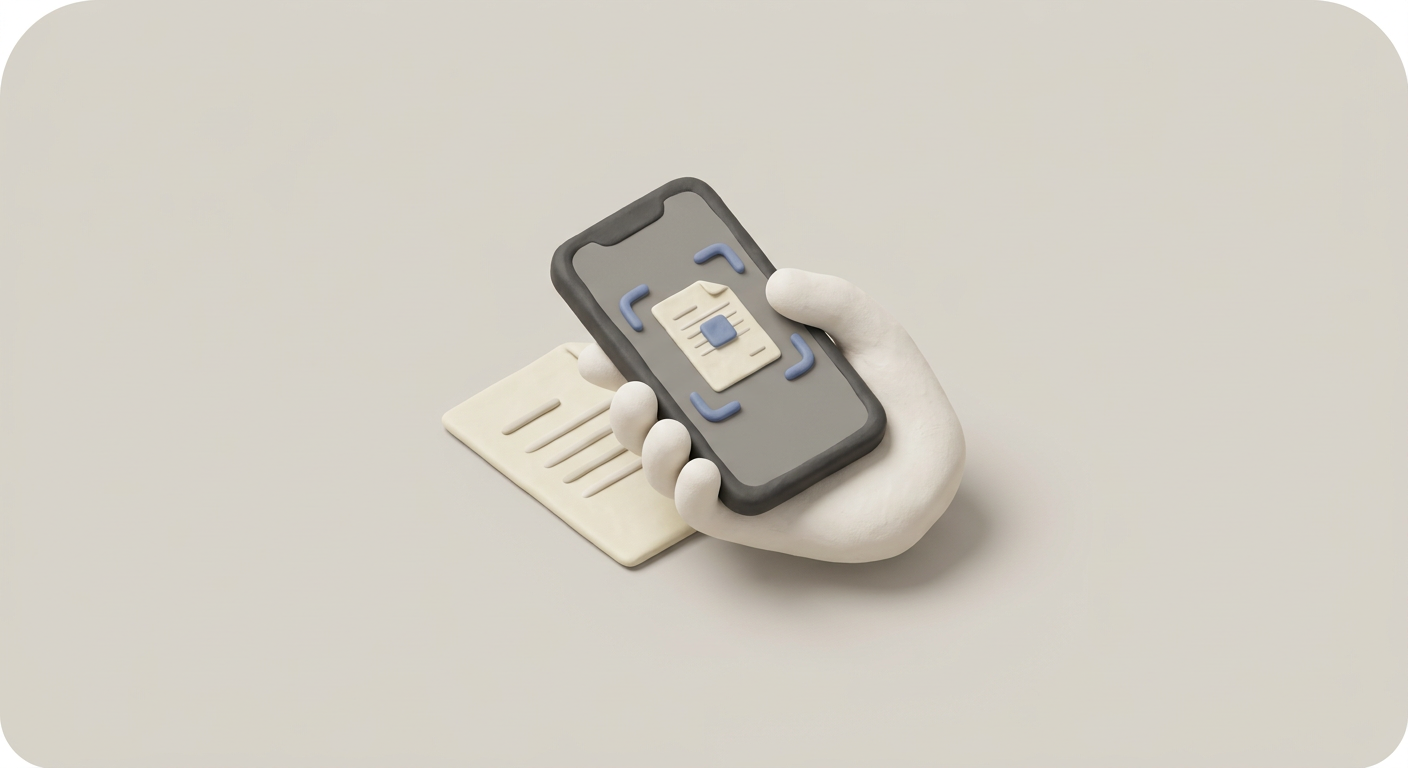
Open the link from your last receipt email, or come straight to this page. Upload a photo or scan of the blank form.
AI vision finds every line, box and checkbox on the page and returns a clean PDF with real typeable fields — it opens in any PDF reader, on any phone or computer.
$3
once, per form
A photo taken on your phone, or a scanned image, of the blank paper form — before anyone has filled it in.
Yes. Finding the fields on your form and previewing them, outlined, is free. Paying $3 only happens if you want to download the finished, fillable PDF.
No. There is no subscription at launch. You pay $3, once, per form, through a hosted Stripe checkout.
A clean PDF version of your form with real typeable fields in place of every line, box, and checkbox. It opens in any PDF reader, on any phone or computer.
NanoCorp, as the merchant of record on the Stripe checkout page. The $3 charge unlocks the download of that one form.